Ever wondered how much you’ve spent in Valorant? In other words, what is your Valorant purchase history? With new skins, battle passes, and time-limited bundles dropping every season, your purchases can stack up quickly.
For most players, knowing their Valorant purchase history is more than curiosity — it’s about accountability, budgeting, and sometimes even requesting a refund.
Just like that, having access to your transaction log can help you track in-game expenses and keep your account organized.
Where and how can you check your Valorant purchase history?
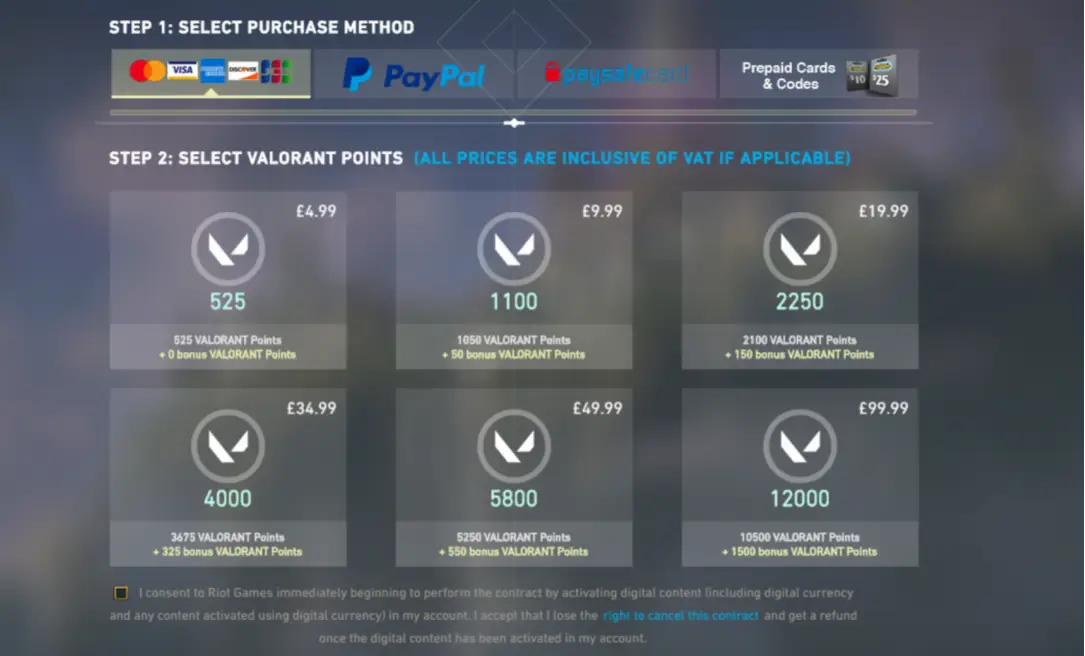
Riot offers a fast, official way to check every in-game transaction. You don’t need third-party tools or extra apps. Everything happens through your Riot account.
Step-by-step guide to see your purchase history
Follow these simple instructions:
- Go to the Riot Games official purchase history page
Open your browser and visit the Riot support site. - Log in to your Riot Games account
Use the same credentials you use in-game. - Click “Get My Purchase History”
Riot will show your full list of transactions.
Each entry shows the date, item purchased, and VP spent.
Purchase history not loading?
If the page doesn’t display anything:
- Clear your browser cache and cookies
- Try using incognito mode
- Switch to a different browser
- Make sure you’re logged in to the correct Riot account
How much have I spent on Valorant?
Unfortunately, Riot doesn’t offer a “total spent” feature — yet. But you can still figure it out manually.
You may also like: The Best Valorant skins: How to Get Them and Which Are Worth It
Here’s how to calculate it yourself:
- Download or screenshot your entire Valorant purchase history
- Use Excel or Google Sheets to add up the VP values
- Convert VP to your local currency using the original purchase values
Example: manual total calculation
| Date | Item | VP Spent |
| 01/05/2025 | Oni Phantom | 1,775 |
| 07/05/2025 | 11,000 VP Pack | 399.90 |
| 15/05/2025 | Battle Pass | 1,000 |
| Total | — | 13,775 VP |
This total equals approximately $120 USD, depending on your region.
What if your Valorant purchase history doesn’t appear?
Sometimes, your Valorant purchase history might not load properly. This can happen for several reasons, and fortunately, most of them are easy to fix.
Common reasons why the history page fails
- Browser issues: Outdated or overloaded browsers may block the request.
- Account mix-up: Logging into the wrong Riot account is more common than you think.
- Cache conflicts: Stored data can interfere with site functionality.
Quick solutions to fix the issue
- Clear your browser cache and cookies.
- Try a different browser (Chrome and Firefox work best).
- Open the Riot support page in incognito/private mode.
- Double-check you’re logged into the correct Riot account.
- Log out, then log back in again.
If none of these work, head to the Riot Support website and submit a ticket. Include your account info and describe the issue clearly.
Is it safe to use a Valorant store checker?
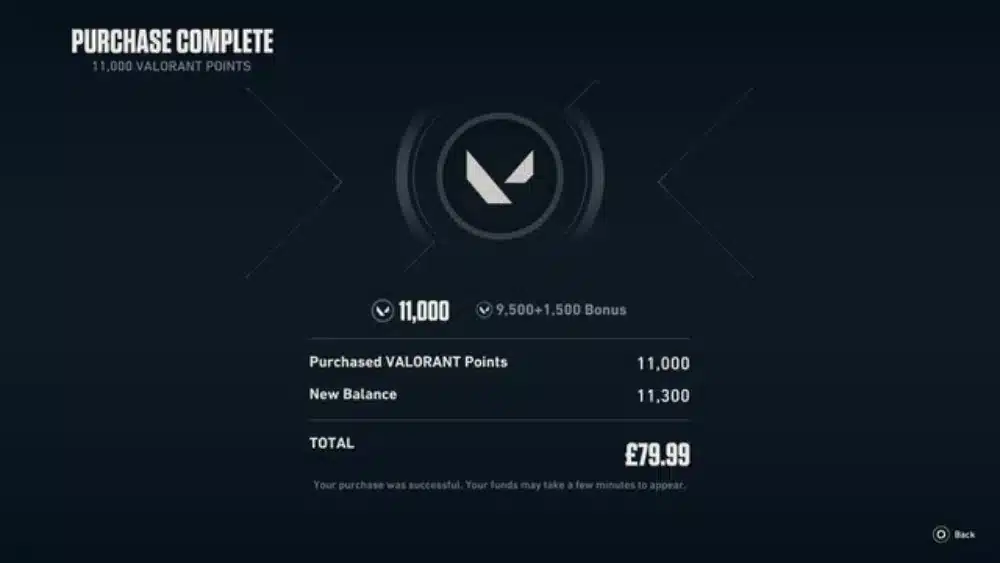
Tools like Valorant Store Checker promise to show your daily shop, upcoming bundles, and even past spending history. But are they safe?
Check this: Valorant Schedule: Upcoming Events, Tournaments, Updates & Maintenance
What is a Valorant store checker?
A store checker is a third-party tool or website that connects to your Riot ID to display your current shop items. Some versions claim to estimate total purchases and monitor item rotations.
These are not officially supported by Riot and may pose risks.
Pros and cons of store checkers
Pros:
- See your daily skin shop without opening the game
- Track rotating cosmetics
- Monitor wishlist items
Cons:
- Requires login or Riot credentials in some cases
- May violate Riot’s Terms of Service
- Some tools track data without user consent
In conclusion, it’s safer to check your Valorant purchase history directly from Riot. Third-party tools should be used with caution.
How to organize your Valorant purchase history manually?
Since Riot doesn’t offer a direct export or total-spend summary, players often create their own purchase logs. This method helps monitor spending, compare item values, or even track bundles acquired over time.
Benefits of keeping your own record
- Helps you control how much you’ve spent
- Keeps a copy of your Valorant money spent
- Useful for refund checks or budget management
- Allows comparison between purchase periods
Read also: Understanding Valorant Rank Distribution and the Competitive Ladder
How to build a custom log
- Open your purchase history on Riot’s support page
- Take screenshots or copy the list manually
- Paste details into a spreadsheet:
- Date of purchase
- Item name
- Valorant Points spent
- Price in your currency
- Use formulas to auto-calculate totals
Tip: Create separate tabs for skins, battle passes, bundles, and VP top-ups.
What counts as a Valorant purchase?
The Valorant purchase history doesn’t just track VP top-ups. It logs nearly everything that involves VP usage or financial transactions within the game.
Examples of purchases that appear
- Valorant Points (VP) packs
- Agent contract unlocks using VP
- Weapon skins (individual or bundle)
- Radianite Points (RP) top-ups
- Battle Pass purchases
- Event bundles and premium collections
What doesn’t appear?
- Free item drops (from events)
- XP-based unlocks
- Items acquired through external promotions
Even more, make sure your Riot ID is linked properly. A missing transaction might just mean it was made under a different region or account.
Can your Valorant purchase history impact your support requests?
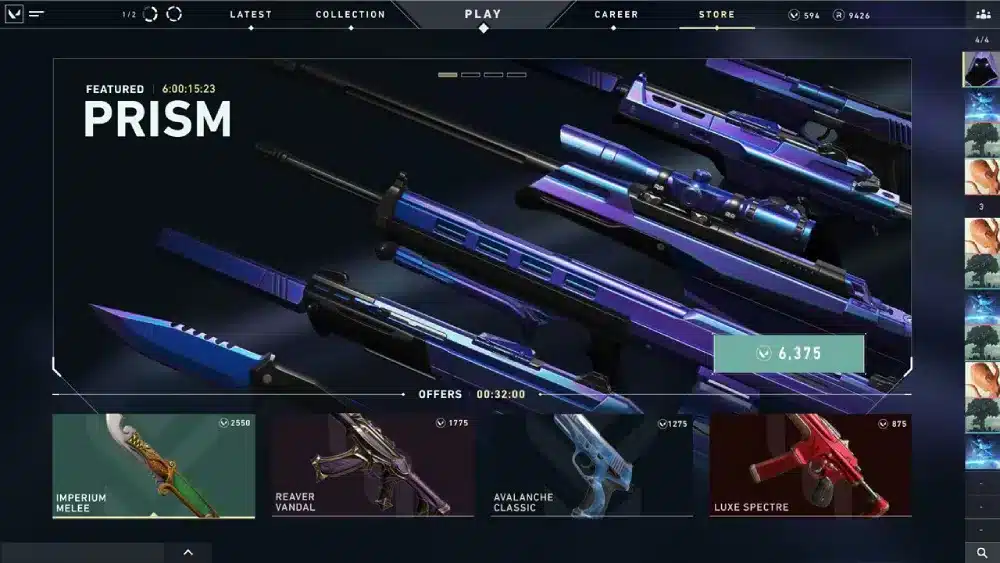
Yes. In fact, providing a clean record of your purchase history can speed up Riot’s response when you’re asking for refunds, reporting billing issues, or recovering lost content.
When is this useful?
- Requesting refunds on unused items
- Proving a transaction occurred
- Verifying suspicious activity or missing skins
- Resolving billing disputes with payment providers
What Riot might ask for
- Transaction ID or order number
- Screenshots of your Valorant purchase history
- Payment method details
- Purchase timestamps
In that regard, keeping records helps not only you but also the support team resolve your request faster.
Check also: Valorant PS5: Learn Everything You Need to Know About It
Tips to avoid overspending in Valorant
After checking your Valorant purchase history, you may feel surprised by how much you’ve spent. Here’s how to stay in control moving forward.
Set a monthly budget
Decide how much you’re willing to spend before each month starts. Stick to it—even during special events.
Use gift cards or prepaid options
This creates a hard spending cap. Once it runs out, you stop buying.
Keep your own spending log
We mentioned this earlier: a spreadsheet or note app with every transaction helps reinforce spending awareness.
Ask yourself before each buy:
- Do I really need this skin?
- Will I still like it in 3 months?
- Does it bring a competitive advantage (hint: it doesn’t)?
By being intentional with your purchases, you enjoy Valorant more—and regret less.
How to request a refund in Valorant?
If you bought something by accident or changed your mind, Riot allows refunds under specific conditions.
Which items are eligible for a refund?
- Unused skins purchased within 14 days
- Valorant Points (VP) that haven’t been spent
- Bundles that haven’t been opened or activated
Used items or consumables like battle passes, Radianite, or weapon upgrades cannot be refunded.
How to get a refund step-by-step
- Go to Riot’s official support site.
- Log in to your Riot Games account.
- Click on the Billing, Payments, and Refunds section.
- Select Valorant as the game.
- Choose Refund Requests.
- Fill out the refund form with:
- Item name
- Purchase date
- Transaction ID (from your purchase history)
- Submit and wait for the confirmation email.
As said at the official Riot website, refunds typically process within 3–5 business days.
Can ExitLag improve your Valorant experience?
After checking your Valorant purchase history, you might realize how much you’ve invested in the game. To protect that investment, you want the best possible connection.
That’s where ExitLag comes in.
What ExitLag does for Valorant players
- Routes your traffic through optimized paths to Riot servers
- Reduces packet loss, jitter, and lag spikes
- Helps maintain consistent ping across regions
- Ensures better hit registration during combat
Whether you’re in ranked, unranked, or custom matches, ExitLag ensures your connection stays solid—especially after a big spend.
Why this matters after purchases
- New skins deserve flawless rendering
- Bundle content requires smooth performance
- Refund eligibility may depend on in-game issues—and lag shouldn’t be one of them
Using ExitLag gives you the stability needed to enjoy every purchase to the fullest.
Check also: Valorant Night Market: How It Works and What’s Available
FAQ — frequently asked questions about Valorant purchase history
Log in to your Riot Games account on the official support page, then click on “Purchase History” to view all transactions made in Valorant.
Riot doesn’t show the total spent, but you can manually calculate it by adding each item listed in your purchase history.
Yes. Use your mobile browser to visit the Riot support site, log in, and navigate to the purchase section.
This could be due to browser cache, cookies, or account issues. Try clearing cache, switching browsers, or logging in again.
No. Riot’s policy only allows refunds on unused skins within 14 days of purchase.
Conclusion: track your purchases, protect your gameplay
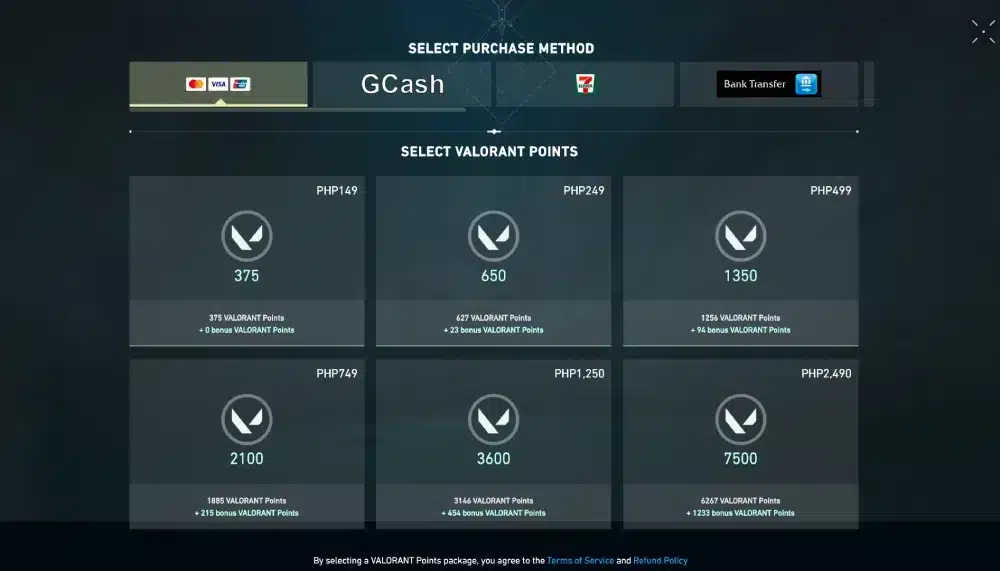
Your Valorant purchase history gives you control over what you’ve bought and how much you’ve spent. It’s the first step in smart gaming—especially with so many new skins and bundles launched every month.
After investing real money, you deserve smooth gameplay every time. That’s why players turn to ExitLag to reduce lag, maintain ping stability, and avoid frustrating disconnects.
Don’t let a poor connection waste your Valorant purchase history. Use ExitLag to keep your gameplay, and your investments, fully optimized. Download ExitLag now!
Got questions or want to connect with other players? Join the conversation at the ExitLag Forum!