Fortnite Save the World is a cooperative PvE mode in the popular game Fortnite, where players team up to fight husks, build defenses, and complete missions. Many players wonder what is Fortnite Save the World, how to play Fortnite Save the World, or how to get Fortnite Save the World. This guide covers all of that and more, including how to play Save the World Fortnite on different platforms, tips and tricks, beginner guide strategies, and a full walkthrough.
We will also explore practical questions such as is Fortnite Save the World free, how much is Fortnite Save the World, its Nintendo Switch availability, V-Bucks missions, daily rewards, and answer whether it does it still exist. By the end, you’ll have a complete understanding of Fortnite Save the World and how to maximize your experience.
What is Fortnite Save the World (STW)?
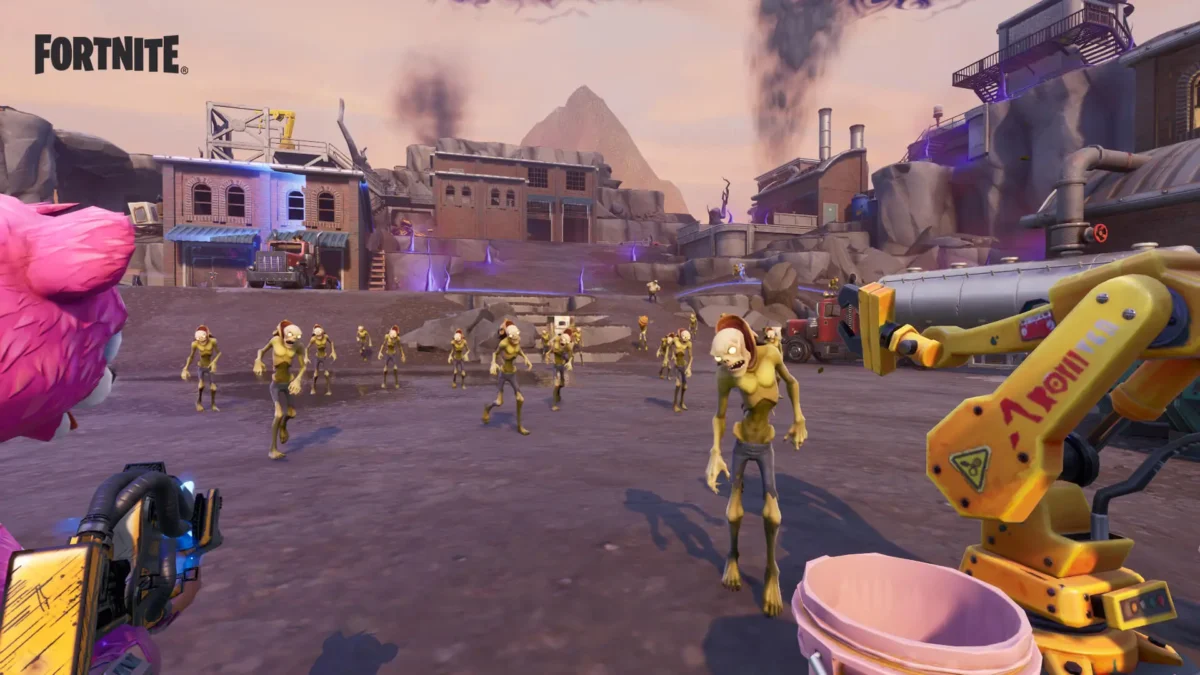
Fortnite Save the World (STW) is the cooperative PvE mode of Fortnite, distinct from the more popular Battle Royale and limited-time Festival events. Unlike Battle Royale, which focuses on solo or team elimination, and Festival modes that offer temporary gameplay experiences, STW emphasizes teamwork, strategy, and progression.
Difference Between STW, Battle Royale, and Festival
- STW (Save the World): Players join forces to fight AI-controlled husks, build defensive structures, and complete mission objectives.
- Battle Royale: A competitive PvP mode where players fight to be the last one standing on a shrinking map.
- Festival Modes: Special limited-time events with unique gameplay rules, cosmetic rewards, and seasonal challenges.
Objective of the Mode
The primary goal of Fortnite Save the World is cooperative PvE play. Players focus on building fortifications, defending objectives, and progressing through a series of missions. Completing these missions grants daily rewards, V-Bucks missions, and other in-game resources. The mode combines strategy, action, and progression systems, making it ideal for players seeking more than just the Battle Royale experience.
Is Fortnite Save the World Worth It in 2025?
For players who enjoy PvE gameplay, looter mechanics, and building defenses, Fortnite Save the World remains a compelling choice in 2025. Unlike Battle Royale, STW offers a slower-paced, strategic experience where teamwork, resource management, and base building are essential.
Update Rhythm
While Fortnite Save the World does not follow the frequent update schedule of Battle Royale, its content remains stable and reliable. Epic Games continues to provide daily rewards, maintain V-Bucks missions, and ensure the mode functions smoothly. Players looking for a consistent PvE experience will find STW enjoyable without expecting major new content or a fixed roadmap.
Platforms and Availability
Fortnite Save the World is available on multiple platforms, but its support differs depending on the device. Unlike Battle Royale, STW is not available on all consoles or mobile devices.
Platform Status
- PC, PlayStation, and Xbox: Full support for Save the World, with regular access to missions, daily rewards, and V-Bucks missions.
- Nintendo Switch / Mobile: STW is not natively supported. Players on Switch or mobile can access Battle Royale, but Save the World is unavailable except via remote or cloud solutions in some regions.
| Platform | Available? | How to Access | Notes |
| PC | Yes | Epic Games Launcher | Full STW experience, includes all missions |
| PlayStation | Yes | PlayStation Store / Fortnite App | Supports cross-play with other consoles |
| Xbox | Yes | Microsoft Store / Fortnite App | Supports cross-play and progression |
| Nintendo Switch | No | N/A | Only Battle Royale; STW not natively supported |
| Mobile (iOS/Android) | No | N/A | Only Battle Royale; Save the World unavailable |
Price — Is It Free? How Much Does It Cost?
Unlike Fortnite Battle Royale, Fortnite Save the World is not free-to-play. STW requires a one-time purchase on supported platforms. Prices can vary depending on your region and platform, so it is always recommended to check the local store for the most up-to-date pricing.
PC / Epic Games
Save the World can be purchased through the Epic Games Launcher. Prices differ by region and currency. Once bought, players gain permanent access to the mode, including V-Bucks missions, daily rewards, and all STW content updates.
PlayStation
STW is available through the PlayStation Store. The price is a one-time purchase, and access includes the full PvE experience. Always verify the current cost in your local store.
Xbox
Available on the Microsoft Store, Fortnite Save the World is a single purchase. Players enjoy full access to missions and progression systems. Check the local Xbox Store for exact pricing.
Founder’s Pack
Historically, STW offered the Founder’s Pack, which included early access, exclusive cosmetic items, and bonus V-Bucks. While this pack is no longer sold, it remains a notable part of the game’s history for collectors and long-time players.
How to Play Fortnite Save the World (Step by Step)
Getting started with Fortnite Save the World is straightforward, but new players may need guidance on setup and first missions.
- Open Fortnite and Select Save the World: Launch Fortnite on your platform and choose Save the World from the main menu of game modes.
- If the Mode Doesn’t Appear: If STW does not appear, check your region, account type, or platform compatibility. The mode may not be available on all accounts or devices.
- Purchase or Redeem a Code
- On PC / Epic Games, buy through the Epic Games Launcher or redeem a code via your Epic account.
- On PlayStation or Xbox, purchase through the respective store and follow the redemption prompts if you have a code.
Always verify your store for the current availability of STW.
- First Login and Introductory Mission: After purchase or code redemption, log in for the first time. You will be guided through an introductory mission designed to familiarize you with the PvE mechanics, building defenses, fighting husks, and completing objectives. Completing this tutorial unlocks access to daily rewards, V-Bucks missions, and other early content, making it an ideal starting point for your beginner guide experience.
Beginner Guide — First 60 Minutes in Fortnite Save the World
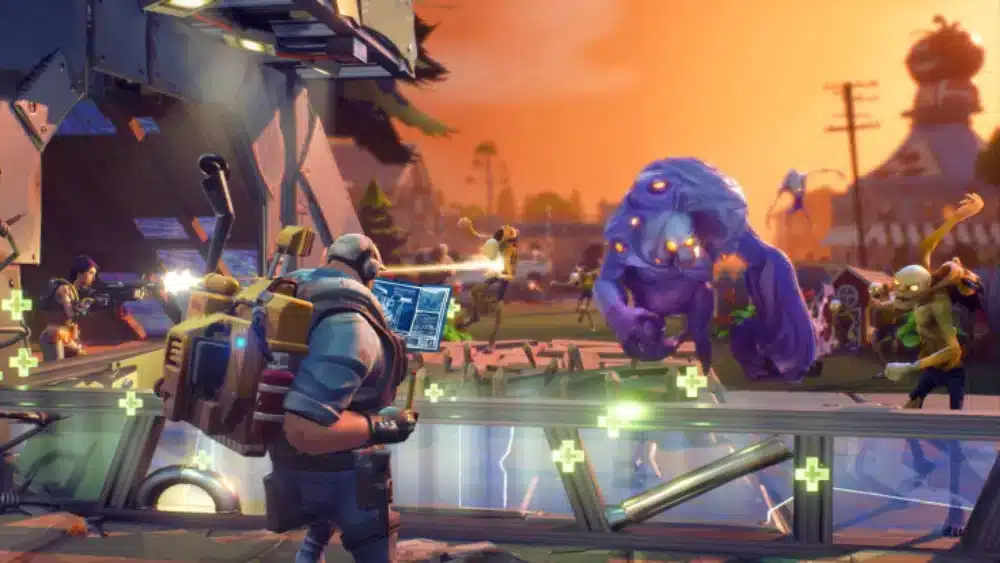
Starting strong in Fortnite Save the World is key to enjoying the PvE experience. Here’s a beginner guide for your first hour:
1. Quick Building
Master rapid construction techniques early. Focus on building walls (2x), upgrading to level 2, and placing essential traps to defend objectives efficiently. Fast building is crucial for surviving tougher missions.
2. Resource Management
Gather and manage your resources wisely. Prioritize wood, stone, and metal to maintain building capabilities and craft weapons or traps. Efficient resource management ensures you are prepared for unexpected husk waves.
3. Schematics, Perks, and Progression
Explore blueprints (schematics) for weapons and traps, and understand the perk system to enhance your heroes and equipment. Regular upgrades and strategic perk choices accelerate progression and increase mission success.
4. Story Missions vs. Daily Tasks
Balance your time between story missions and daily rewards or side tasks. Story missions advance the PvE narrative and unlock new zones, while daily objectives provide V-Bucks missions, resources, and other bonuses to help you progress faster.
This approach ensures new players get a strong foundation in construction, resource management, and mission strategy, forming the basis for more advanced walkthrough techniques and tips and tricks later.
How to Increase Power Level Quickly and Safely
Increasing your Power Level in Fortnite Save the World is essential for tackling higher-level missions and unlocking better rewards. Here’s how to do it efficiently and safely:
1. Strengthen Your F.O.R.T. and Skill Trees
Invest in upgrading your F.O.R.T. and explore research trees and skill upgrades. Enhancing these systems boosts your overall Power Level and improves your defenses, trap efficiency, and combat capabilities.
2. Level Up Heroes, Survivors, and Schematics
Progress by evolving your heroes and followers (survivors) and upgrading schematics (blueprints). Focus on synergy between hero abilities and survivor squads to maximize bonuses. Upgraded equipment and heroes significantly raise your Power Level, allowing you to take on tougher missions.
3. Efficiency Tips
Be mindful of your resources: avoid burning rare materials early on. Use common materials for early upgrades and save rarer items for essential hero, survivor, or schematic improvements. Balancing resource usage ensures steady growth without setbacks.
By following these strategies, players can increase their Power Level faster, complete higher-difficulty missions, and fully enjoy Fortnite Save the World without wasting resources.
Best Weapons and Heroes to Start With

Starting strong in Fortnite Save the World often depends on choosing the right weapons and heroes. Here are 3–5 beginner-friendly options to help new players succeed:
Weapons
- Assault Rifle (Starter Version)
- Pros: Reliable damage, easy to use at mid-range.
- Cons: Moderate ammo consumption, less effective against large husk groups.
- Shotgun (Pump or Tactical)
- Pros: High burst damage, perfect for defending objectives.
- Cons: Short range, requires precise aiming.
- Pistol (Scoped or Hand Cannon)
- Pros: Good for conserving ammo, accurate at distance.
- Cons: Lower damage compared to rifles and shotguns.
Heroes
- Constructor (e.g., BASE Kyle)
- Pros: Builds stronger defenses, ideal for survival missions.
- Cons: Limited mobility in combat.
- Outlander (e.g., Jess or Ramirez)
- Pros: Faster resource farming, good for scouting.
- Cons: Weaker in base defense compared to Constructors.
- Soldier (Starter Options)
- Pros: Balanced combat abilities, easy for beginners.
- Cons: No specialized perks like Constructors or Outlanders.
Ideal Game Modes for Beginners
- Defense Missions: Great for practicing building, trap placement, and hero abilities.
- Ride the Lightning: Offers quick missions with resource rewards, perfect for leveling weapons and heroes.
By starting with these weapons and heroes, new players can focus on tips and tricks, beginner guide strategies, and gradually progress through more challenging missions in Fortnite Save the World.
Rewards, V-Bucks, and Daily Missions

In Fortnite Save the World, rewards are a key part of progression, providing resources, hero XP, and V-Bucks to help improve your loadout and Power Level. Understanding how missions and daily tasks work can maximize your gains.
1. Daily Tasks and Login Rewards
Players receive daily rewards for logging in, completing missions, and finishing objectives. These rewards often include V-Bucks missions, crafting materials, and schematics. While the specific daily calendar can change, the underlying mechanics remain consistent: complete missions, earn points, and claim rewards to steadily progress.
2. Mission Alerts
Mission alerts offer time-limited objectives across different zones. They provide bonuses and extra rewards, helping players efficiently gather resources, level up heroes, and upgrade schematics. Alerts can be used strategically to farm V-Bucks missions or rare crafting materials.
3. Avoiding Volatile Daily Calendars
Instead of focusing on the specific daily challenges (which rotate frequently), understand the general mechanics: log in regularly, complete available missions, and prioritize missions that grant V-Bucks or essential schematics. This ensures steady progression without relying on unpredictable daily lists.
By following this approach, new and returning players can consistently earn rewards, improve their heroes, and get the most out of Fortnite Save the World.
Common Issues (Troubleshooting FAQ)
Even experienced players can encounter problems when playing Fortnite Save the World. Here are solutions to some frequent issues:
1. “STW Does Not Appear” / “No Save the World Button”
- Check your account type and region, as STW may not be available in all areas.
- Ensure you are on a supported platform (PC, PlayStation, Xbox).
- Verify that the game is fully updated and that your Epic account has purchased or redeemed STW.
2. “No Fill” / Matchmaking Issues
- Some missions may display No Fill, meaning you will not be automatically paired with other players.
- You can still join with friends via party invites or complete solo missions if necessary.
3. Codes and Redemption
- Only redeem codes from official sources such as Epic Games, PlayStation Store, or Xbox Store.
- Avoid “free code generators” or third-party websites promising free V-Bucks or STW access—they are scams and can compromise your account.
- Follow the official code redemption process in your platform’s store or the Epic Games Launcher.
By following these guidelines, players can troubleshoot common issues safely while protecting their accounts and ensuring access to all Fortnite Save the World content.
Optimize Your Connection in STW (Stable Latency with ExitLag)
A stable connection is important in Fortnite Save the World, especially during PvE missions where lag or high jitter can disrupt building and combat. Tools like ExitLag can help improve your gameplay experience by providing optimized routing for a smoother connection.
How ExitLag Helps in PvE
- Multi-Path Routing: Selects the best possible route to the game server, reducing packet loss.
- Stability: Maintains consistent latency for uninterrupted building and combat.
- Lower Jitter: Reduces sudden spikes in ping, ensuring traps, weapons, and abilities trigger as intended.
Quick Setup Steps
- Download and install ExitLag from the official website.
- Launch the program and select Fortnite from the game list.
- Choose your preferred server or allow ExitLag to select the optimal route automatically.
- Connect and start Fortnite, ensuring the STW mode now benefits from improved latency.
Optimizing your connection ensures that Fortnite Save the World missions, building, and V-Bucks missions run smoothly, letting you focus on strategy, base defense, and completing your daily objectives without technical interruptions.
Conclusion
Fortnite Save the World remains a rewarding PvE experience for players who enjoy building, looting, and cooperative missions. For a smoother gameplay experience, especially during intense missions, try ExitLag with a free trial to reduce lag, stabilize your connection, and prevent route drops in Fortnite Save the World.
Frequently Asked Questions (FAQ)
Fortnite Save the World was first released in July 2017 as a paid PvE mode alongside Fortnite’s early Battle Royale development.
Launch Fortnite on a supported platform, select Save the World from the menu, purchase or redeem access if required, and complete the introductory mission. For a detailed guide, see our step-by-step beginner guide section.
No, STW is not free-to-play. It requires a one-time purchase on PC, PlayStation, or Xbox.
Prices vary by platform and region. Check the Epic Games Store, PlayStation Store, or Xbox Store for current pricing.
Yes, Fortnite Save the World still exists in 2025 and remains supported with stable content, daily rewards, and V-Bucks missions, though it receives fewer updates than Battle Royale.
No, STW is not natively available on Nintendo Switch or mobile devices. Only Battle Royale is supported on these platforms.
Focus on upgrading your F.O.R.T., skill trees, heroes, survivors, and schematics. Avoid wasting rare materials early and prioritize missions that grant XP and resources efficiently.
Yes, completing missions, daily objectives, and alerts continues to reward V-Bucks, which can be used across Fortnite modes.
STW has no fixed endpoint. Players progress through missions, story campaigns, and daily objectives at their own pace. The mode emphasizes continuous improvement and cooperative gameplay.
Purchase or redeem codes through official platforms: Epic Games Launcher, PlayStation Store, or Xbox Store. Avoid third-party “free code generators,” as these are scams.