Counter-Strike 2, widely known as CS2 game, arrived as the direct successor to the legendary CS:GO, bringing updated graphics, smoother mechanics, and an improved competitive environment. Since its launch, it has become one of the most discussed shooters in the gaming community, attracting both veterans and new players eager to explore everything it has to offer.
The main highlight of the CS2 game is the variety of modes available, each designed to deliver a different kind of experience. From fast-paced action to high-stakes competitive matches, players can choose the format that best matches their playstyle. In this guide, we’ll dive deep into every detail of the available game modes, explaining objectives, rules, and what makes each of them unique.
If you are just starting your journey in CS2 game or even if you are a CS:GO veteran looking to understand the changes, this article is for you. Keep reading until the end to discover not only how each mode works but also tips on how to unlock them, how long matches last, and answers to the most common in-game questions.
What Are the CS2 Game Modes?
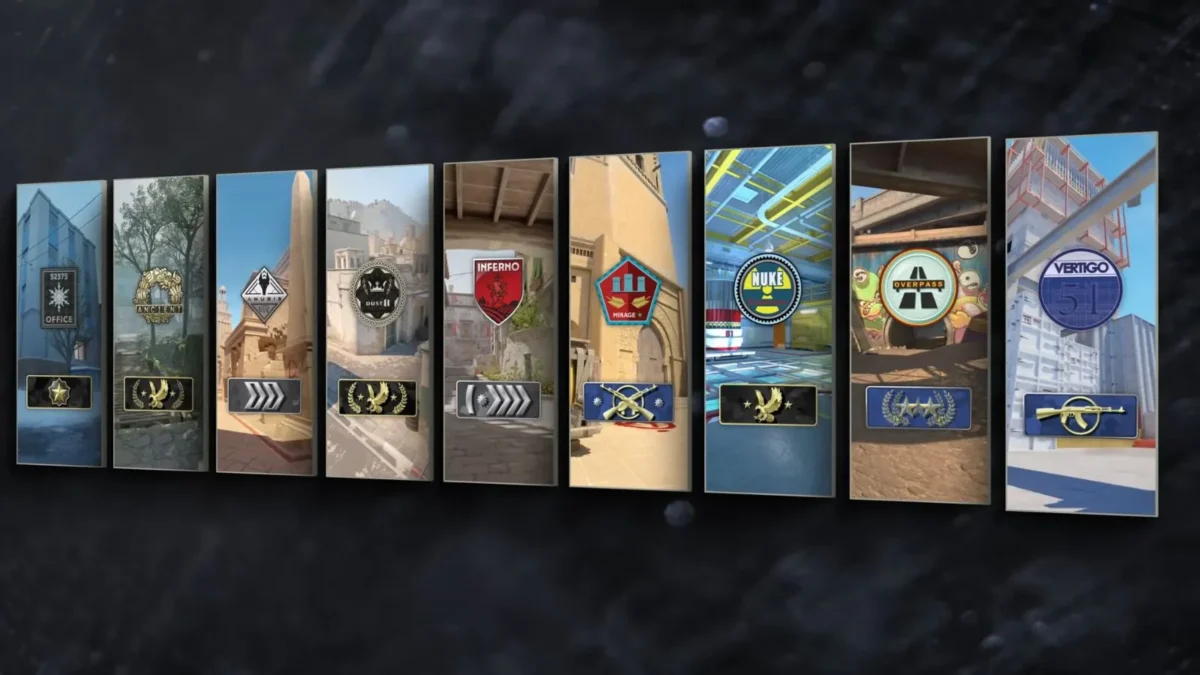
One of the main reasons players enjoy CS2 game modes is the variety of experiences they offer. From casual fun to high-pressure ranked matches, every player can find a mode that fits their style. Understanding the different CS2 gamemodes is key to choosing the right one and improving your overall performance.
Below, we’ll break down the most popular CS2 game types, explain how they work, and highlight what makes each one unique.
Competitive Mode
Competitive is the classic experience of CS2 game modes, designed for players who want serious, tactical matches. Teams of five face each other in best-of-30 rounds, where strategy, communication, and precision are essential. Winning competitive games also contributes to your rank, which reflects your skill level.
Casual Mode
Casual is a more relaxed version of the CS2 gamemodes, perfect for practicing without the pressure of ranking. Team sizes are larger, the economy system is more forgiving, and players can respawn faster. It’s the ideal place for beginners to learn the basics before diving into more serious CS2 game types.
Deathmatch
Deathmatch is a fast-paced option among the CS2 gamemodes. Players respawn instantly after death, and the goal is to score as many kills as possible within the time limit. It’s widely used for warming up aim or practicing new weapons.
Wingman
Wingman is a smaller competitive mode within CS2 game types, with 2v2 matches played on compact maps. The rules are similar to standard competitive, but games are shorter, making it a great choice for quick and strategic battles.
Premier Mode
Premier is a new competitive experience introduced in CS2 gamemodes, featuring a pick-and-ban system for maps and matches decided in best-of-24 rounds. It’s considered the most balanced and professional environment for players aiming to climb the ranks.
Danger Zone (if available)
Danger Zone is CS2’s take on a battle royale. This CS2 game mode puts up to 18 players on a large map where they must gather resources, complete objectives, and survive until the last person or squad remains.
CS2 Game Modes Comparison
| Game Mode | Players | Objective | Average Duration |
| Competitive | 5v5 | First team to win 16 rounds. | 30–50 minutes |
| Casual | Larger teams | Eliminate opponents / complete bomb objectives. | 15–25 minutes |
| Deathmatch | Free-for-all | Score the most kills before time runs out. | 10 minutes |
| Wingman | 2v2 | Win 9 rounds first. | 10–20 minutes |
| Premier | 5v5 | Best-of-24 rounds with map veto. | 30–50 minutes |
| Danger Zone | Up to 18 players | Last player or team standing. | 15–20 minutes |
How to Unlock Modes and Understand Limitations
Some players see a CS2 game mode locked message and get stuck, so let’s unpack what that means and how to move past it. Below you’ll find clear steps for unlocking Competitive and Premier, the usual requirements, and practical tips on how many CS2 games to play comp before accessing ranked play.
What Does “CS2 Game Mode Locked” Mean?
Short answer: it’s the game telling you that you don’t yet meet the requirements to queue that mode, or that the mode is temporarily unavailable.
Typical reasons you might see the message include:
- You have not reached the required account level for certain CS2 gamemodes, such as Competitive or Premier;
- Premier may be locked during season resets, which makes it unavailable even for eligible players;
- Bugs or technical issues can cause the locked message to appear incorrectly in some CS2 game types.
How to Unlock Competitive Mode
What you need: reach the minimum account level by earning XP in unranked CS2 game modes like Casual or Deathmatch. Once you level up, Competitive becomes available.
Steps to unlock Competitive:
- Play accessible CS2 gamemodes such as Casual or Deathmatch to gain XP quickly;
- Track your profile level in the in-game menu until the Competitive option unlocks;
- After unlocking, complete placement matches to begin earning ranks on maps.
How many CS2 games to play comp?
- To unlock Competitive, there isn’t a fixed number of matches. You only need to reach the required level, which often happens after a few sessions;
- To get a full rank, you’ll need to complete around 10 matches on a single map. This helps calibrate your skill level within Competitive and across different CS2 game types.
How to Unlock Premier Mode
What you need: Premier requires Prime Status and a higher account level. Once you meet those requirements, you must play a set of placement matches to establish your CS Rating.
Steps to unlock Premier:
- Make sure your account has Prime Status enabled;
- Reach the profile level required, often level 10, through consistent play in other CS2 gamemodes;
- Complete the placement matches (usually 10) to earn your first Premier rating.
Premier is the most advanced option among the CS2 gamemodes, offering a professional and balanced environment for players aiming for the highest levels of competitive play in the CS2 game.
Match Duration: What to Expect
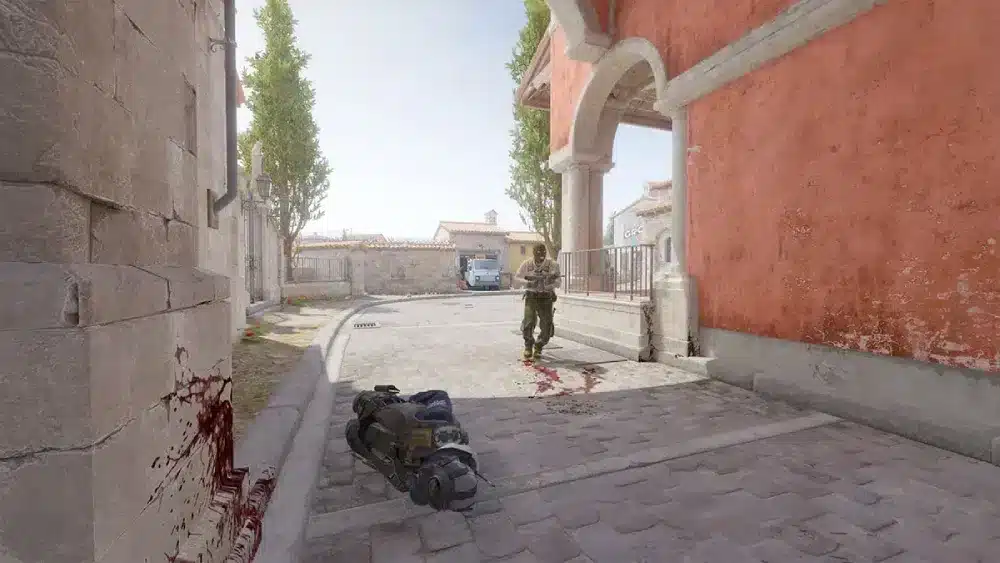
A very common question among new players is how long is a CS2 game. The answer varies depending on which CS2 game modes you are playing, since each has its own rules, number of rounds, and objectives.
Understanding the average duration of each mode can help you plan your sessions better, whether you only have a few minutes or want to dedicate an entire evening to ranked matches.
Average Duration of CS2 Game Modes
Each CS2 gamemode has a different pace, and that directly impacts how long the experience lasts. Some modes are designed for quick, casual play, while others are structured for more competitive and time-consuming matches. By knowing the average time required for each, players can choose the best option for their schedule and mood.
- Competitive: Usually lasts between 30–50 minutes, following the best-of-30 rounds format;
- Casual: More flexible and shorter, typically 15–25 minutes depending on the map and player activity;
- Deathmatch: Extremely fast, with sessions fixed at around 10 minutes, perfect for warming up aim;
- Wingman: Matches last about 10–20 minutes since they are played 2v2 and end when a team reaches 9 rounds;
- Premier: Similar to Competitive, often 30–50 minutes, but sometimes longer due to the map pick-and-ban phase;
- Danger Zone: A unique option among CS2 game types, lasting 15–20 minutes on average, though elimination can cut games short.
So, how long are CS2 games overall? Casual and Deathmatch are quick and dynamic, ideal for short breaks, while Competitive and Premier demand more time and concentration, often stretching close to an hour.
Factors That Influence Match Length
Even with set structures, there are several in-game factors that change how long does a CS2 game last. These details can extend or shorten matches dramatically, meaning no two games are ever exactly the same.
- Overtime: When teams are tied in Competitive or Premier, overtime adds several extra rounds, extending matches significantly;
- Abandonment: If players leave mid-game, the match can feel shorter but more unbalanced, impacting both pace and experience;
- Surrender: Teams can vote to surrender, ending the game early and cutting down total duration;
- Playstyle: Aggressive teams often rush objectives, finishing rounds in seconds, while defensive play can drag rounds to the final timer.
These dynamics explain why two matches of the same CS2 gamemode can differ so much in length. By being aware of these variables, players can set realistic expectations and decide which CS2 game types best suit their available time.
Common In-Game Questions in CS2
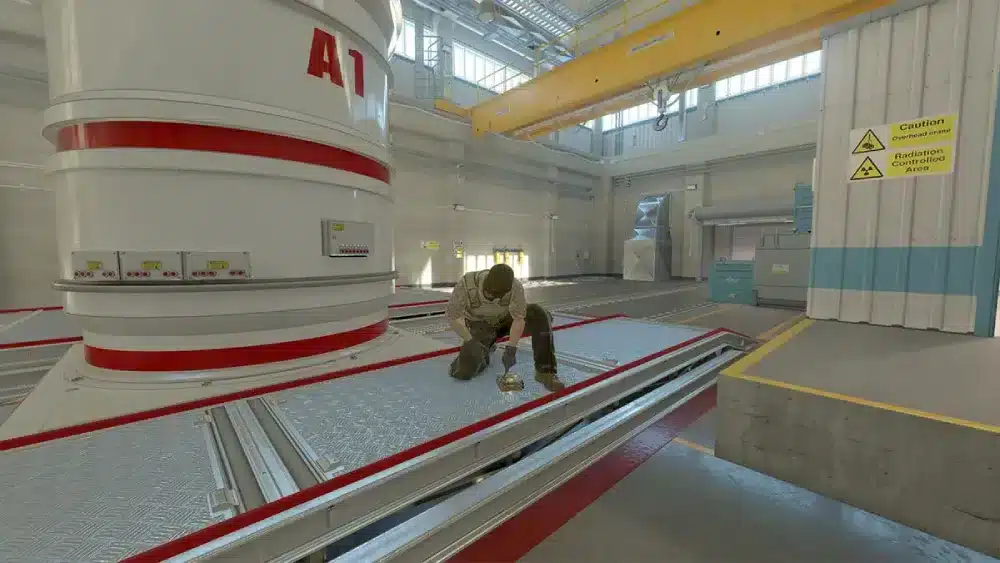
Even experienced players sometimes face technical or gameplay issues while exploring different CS2 game modes. Two of the most frequent problems are related to inspecting skins and enabling the Steam overlay, both of which are key features for a smooth experience in the CS2 game. Let’s break them down in detail.
Why Can’t I Inspect Skins in CS2?
A recurring question among players is: why can’t I inspect in game CS2? This issue usually happens when certain settings are disabled or when you are playing in restricted CS2 gamemodes where inspecting might be limited.
Common reasons include:
- The Steam overlay is disabled, preventing skin inspection from working correctly;
- You are in a warm-up or restricted phase of the match, where some actions are blocked;
- Game files may be corrupted, causing inspection animations not to load;
- Skins not properly equipped in your loadout can also appear unavailable.
To solve this, make sure your overlay is enabled, verify your equipped items, and restart the client if necessary. In most cases, this resolves the problem and allows you to inspect skins normally in different CS2 game types.
How to Enable Steam Community In-Game in CS2
Another frequent question is how to enable Steam community in game CS2, since the overlay is essential for inspecting skins, accessing friends, and using community features during matches.
To activate it:
- Open your Steam client and go to Settings;
- Select the In-Game tab;
- Check the box for Enable the Steam Overlay while in-game;
- Restart CS2 to apply the changes.
Once activated, you’ll be able to use the overlay across all CS2 gamemodes, making it easier to chat with friends, browse community content, or inspect skins directly during matches.
FAQ
CS2 game modes include different experiences for various playstyles: Competitive, Casual, Deathmatch, Wingman, Premier, and Danger Zone. Each offers unique objectives and pacing.
Duration depends on the mode:
Competitive & Premier: 30–50 minutes;
Casual: 15–25 minutes;
Deathmatch: 10 minutes;
Wingman: 10–20 minutes;
Danger Zone: 15–20 minutes.
Factors affecting duration: overtime, surrender, abandonment, and team strategies.
The CS2 game mode locked message appears if:
Your account level is too low;
Premier mode is temporarily disabled;
There are minor client issues.
Unlock modes by progressing in other CS2 gamemodes.
Reach the required account level by playing Casual, Deathmatch, or other CS2 game types;
Complete about 10 placement matches per map to get a full rank.
CS2 game (Counter-Strike 2) is the successor to CS:GO, featuring multipleCS2 gamemodes, updated graphics, and improved matchmaking.
Yes, if the Steam overlay is enabled and skins are equipped properly. Restrictions may apply in warm-up or restricted phases.
Open Steam → Settings → In-Game;
Check Enable Steam Overlay while in-game;
Restart CS2.
This allows inspection of skins, chatting with friends, and access to community content in all CS2 gamemodes.
Boost Your CS2 Experience
In summary, understanding all CS2 game modes helps you choose the right experience and plan your gameplay effectively. Whether you prefer quick Deathmatch sessions, strategic Competitive matches, or Premier for professional-level play, knowing the rules, duration, and unlock requirements is essential.
For the best experience in CS2 game, ExitLag can significantly improve your connection stability, reduce ping, and enhance performance across all modes. Enjoy smoother matches, faster response times, and less lag, no matter which CS2 gamemodes you play.
Ready to boost your CS2 gameplay? Click the banner below to start optimizing your connection with ExitLag today.