If you’re looking to sharpen your aim, improve your reflexes, or just warm up before competitive matches, CS2 Deathmatch is one of the most effective modes available. Typically found under the “Practice & Training” section, this mode allows players to respawn instantly, offering constant action and the opportunity to master weapons and maps. It is not part of the standard 5v5 competitive queue.
Whether you’re a newcomer or a veteran transitioning from CS:GO, understanding how CS2 Deathmatch functions—and how to optimize your experience—can significantly impact your performance.
So, what is CS2 Deathmatch?
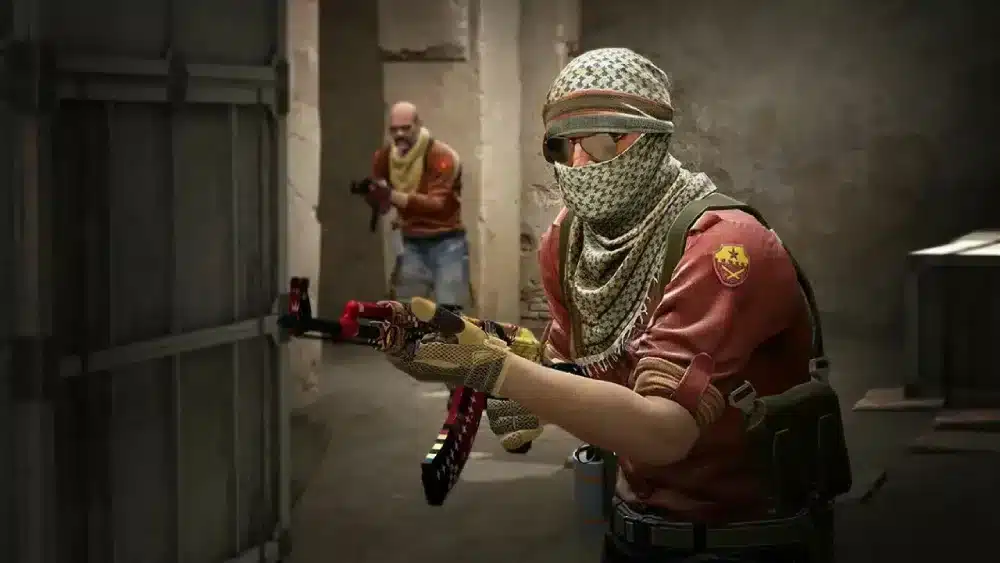
It’s a fast-paced, respawn-based mode where the primary goal is to rack up kills within a set time limit. Unlike competitive matches where rounds dictate the pace, Deathmatch offers non-stop action, making it ideal for practice or casual play.
At ExitLag, we help players reduce ping and packet loss in CS2 Deathmatch sessions, ensuring smoother gameplay during high-intensity training. This is especially useful when practicing on community servers with random weapon spawns or custom rulesets. Note: official CS2 Deathmatch does not typically include random weapon spawns—this is more common in modified or workshop-based servers.
Game types and variations in CS2 Deathmatch
Free-for-all vs team deathmatch
There are two main variants:
- Free-for-all (FFA): Everyone for themselves. Great for individual reflex training.
- Team Deathmatch: Standard T vs CT format, suitable for team coordination drills.
Classic vs custom server modes
While the default CS2 Deathmatch settings offer solid baseline training, many players turn to:
- Community servers with custom rules
- Aim trainers and headshot-only maps
- Random weapon spawn configurations (available on community/custom servers only)
Essential CS2 Deathmatch settings and config tweaks
Recommended game settings
To get the most out of CS2 Deathmatch, use:
- Low input lag settings (disable V-Sync, enable Raw Input)
- High refresh rate monitors (144Hz+ recommended)
- Crosshair and sensitivity adjustments based on weapon
Console commands for advanced control
Note: Most of these commands require admin access or a local/dedicated server. They may not function in official matchmaking:
- bot_kick – Remove bots from the match
- sv_infinite_ammo 1 – Unlimited ammo
- mp_respawn_on_death_ct/t 1 – Ensure team-based respawns
- mp_teammates_are_enemies 1 – Enable FFA mode
- mp_dm_time_limit 0 – Remove time limit (for custom servers)
Always test these on a private server. For more details, consult CS2 community config guides.
Does CS2 Deathmatch give XP?
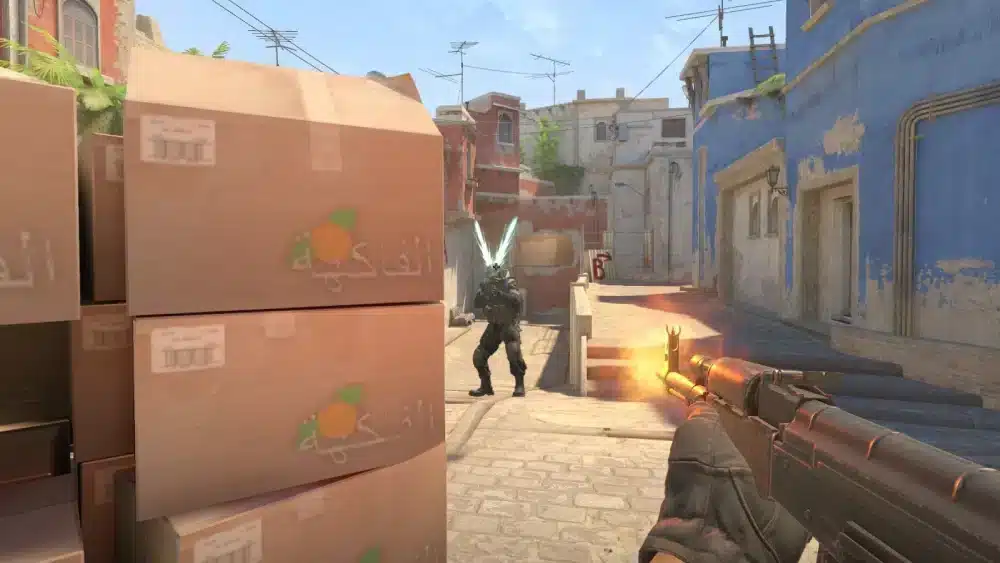
Earning experience through practice
Yes, CS2 Deathmatch can provide XP, but not always with the same efficiency as competitive or ranked modes. It contributes to:
- Your overall profile rank
- Weekly XP bonus progression (to a limited extent)
- Weapon usage stats and achievements
However, it’s crucial to mention that exploiting Deathmatch lobbies for excessive XP farming has led to account penalties. Valve has taken action against such abuse in the past. According to a report by Sportskeeda, hundreds of CS2 players were sanctioned for abusing XP bugs within Deathmatch sessions.
Therefore, while CS2 Deathmatch supports gradual XP gain, it’s not intended for grinding or rank progression, and abuse of the system may result in penalties.
ExitLag optimization for smoother XP grind
High ping or jitter can ruin your rhythm. ExitLag minimizes lag during CS2 Deathmatch sessions, helping you:
- Land more shots accurately
- Maintain consistent movement
- Stay competitive, even on distant servers
How to play team Deathmatch in CS2
Accessing the mode
To join a team-based CS2 Deathmatch, simply:
- Launch CS2 and open the play menu
- Select “Deathmatch” under “Practice & Training”
- Choose the map and ensure team mode is enabled
Playing with friends or community
You can also:
- Host private lobbies for tactical training
- Join community servers for team vs team gameplay
- Customize rules using workshop maps and plugins
Whether you’re preparing for tournaments or just vibing with friends, team CS2 Deathmatch is a great option.
Key benefits of CS2 Deathmatch mode
Why you should use it regularly
- Immediate respawn accelerates learning
- Weapon familiarity improves precision
- High action pace builds reaction speed
Players who incorporate CS2 Deathmatch into their routine often see noticeable improvements in aim and decision-making.
Perfect for warm-ups and aim training
Pro players regularly use Deathmatch modes to:
- Warm up before scrims or official matches
- Test new crosshair styles or mouse settings
- Build confidence with recoil control
- Calibrate flick shots and tracking aim with high repetition rate
Recommended Deathmatch maps and server tips
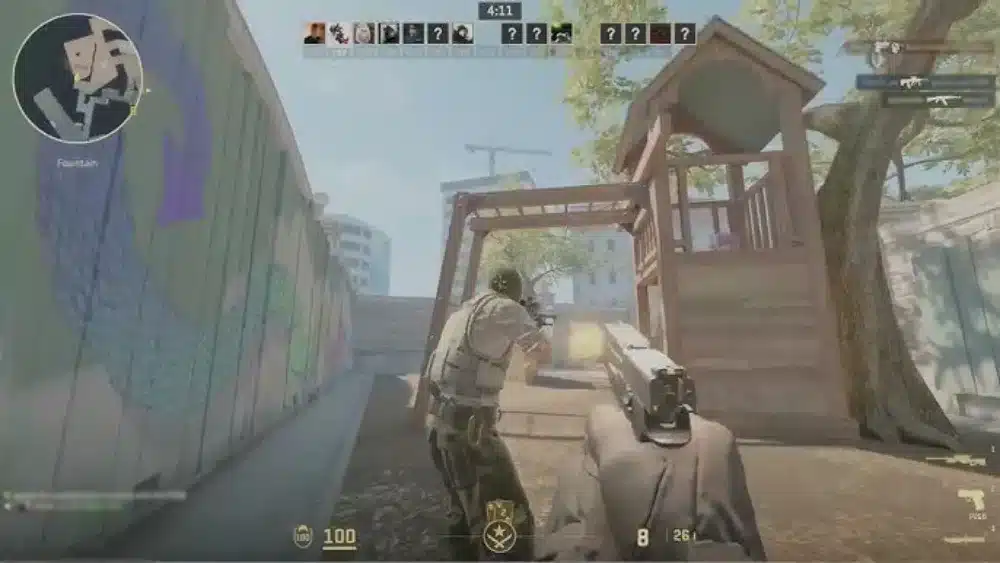
Top maps for training
- Dust II – Classic for long-range aim
- Mirage – Mid control and spray transfer
- Inferno – Close-quarters and pre-aim training
- Aim Botz / Recoil aster – Custom workshop maps for aim drills (not part of official Deathmatch rotation)
Choosing the right server
- Prefer low-ping, local servers when possible
- Use ExitLag to optimize your route to popular community hubs
- Avoid laggy or overcrowded servers for better training efficiency
How CS2 Deathmatch supports your training routine
Why it works for skill-building
CS2 Deathmatch is not just a warm-up tool—it’s a precision environment where repetition meets improvement. By engaging with dozens of opponents in a short time frame, players refine mechanical skills under pressure. Specifically, Deathmatch helps with:
- Reaction time improvement
- Recoil pattern familiarity
- Target acquisition under varied angles
These traits directly translate to better performance in ranked and tournament environments. Moreover, the volume of engagements allows players to test muscle memory and reaction speed in realistic scenarios, making it a critical mode for players at all skill levels.
Ideal for consistency and stress testing
Because it offers unlimited respawns, CS2 Deathmatch puts your focus and stamina to the test. High-volume repetition builds consistency, while chaotic scenarios help simulate clutch or high-stakes situations. Whether you’re testing a new mouse grip or adapting to a sensitivity change, Deathmatch gives instant feedback. It’s one of the few modes where you can get dozens of engagements in minutes, allowing rapid iteration and habit-building.
Community server culture and customization
Deathmatch beyond the official playlist
While the default CS2 Deathmatch mode offers solid training, community servers elevate the experience. They include features like:
- HS-only maps for headshot refinement
- Weapon selection zones
- Dynamic team shuffling
- Leaderboards and stat tracking
These servers allow players to replicate pro-level training routines, often seen in streams or esports bootcamps.
Recommended community features
When browsing community servers, look for:
- “FFA” or “HS-only” tags
- Stable ping (<60ms)
- Admin moderation
- Custom training plugins (e.g., flick-tracking bots)
Using ExitLag helps optimize your route to high-quality servers, especially when geography and infrastructure create latency challenges. However, choosing a server near your location with solid stability is equally important for a consistent experience.
Additional command tips for server admins
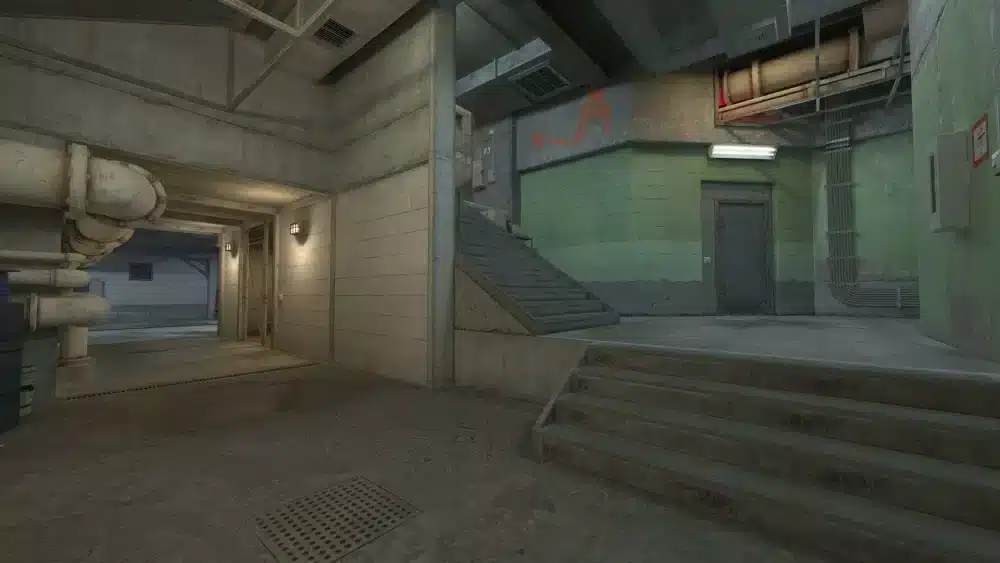
Improve flow and feedback
If you’re hosting a server, enhance gameplay using:
- mp_limitteams 0 – Remove team balance enforcement
- sv_deadtalk 1 – Allow dead players to communicate
- sv_cheats 1 (in offline/local only) – Enable training tools (Note: enabling this disables achievements and is intended purely for local practice or sandboxing)
- cl_showpos 1 – Show player position/speed (for strafe training)
Again, these are for local/custom servers only and will not work on Valve official servers.
Advanced training methods using Deathmatch
Use flick shot drills in live sessions
To simulate flick shots:
- Focus on fast switching between targets
- Practice scanning multiple angles before committing
- Use Aim Botz + Deathmatch to blend passive and active aim styles
Consistent flick training builds better reaction-based kills, especially in entry fragging scenarios.
Tracking practice under pressure
Unlike aim trainers, CS2 Deathmatch adds real-world pressure. Train tracking by:
- Shadowing enemy movement
- Holding consistent crosshair placement
- Using rifles to train burst control
Tracking is essential for holding angles and retaking sites. It also helps when clearing corners and defending post-plant situations. For players looking to measure aim consistency and performance over time, consider tools like Aim Lab or CS2’s built-in stats via third-party overlays such as Overwolf.
CS2 Deathmatch: Training, not grinding
Avoid XP abuse and farm servers
As previously discussed, attempting to abuse CS2 Deathmatch for XP can result in account penalties. Focus instead on:
- Daily warm-up consistency
- Isolated mechanics (spray transfer, movement)
- Smart goal-setting (ex: 20 headshots with each rifle)
Sustainable growth always outpaces artificial rank chasing.
FAQ: CS2 Deathmatch, commands, and practice
Skill calibration, aim training, and warm-up before matches.
You earn profile XP, but not competitive rank. Deathmatch is unranked.
Most do not. They require admin rights or a private server.
No. These are workshop maps designed by the community for practice.
Yes. It’s fast-paced, but teaches reflexes and map familiarity quickly.
Final thoughts
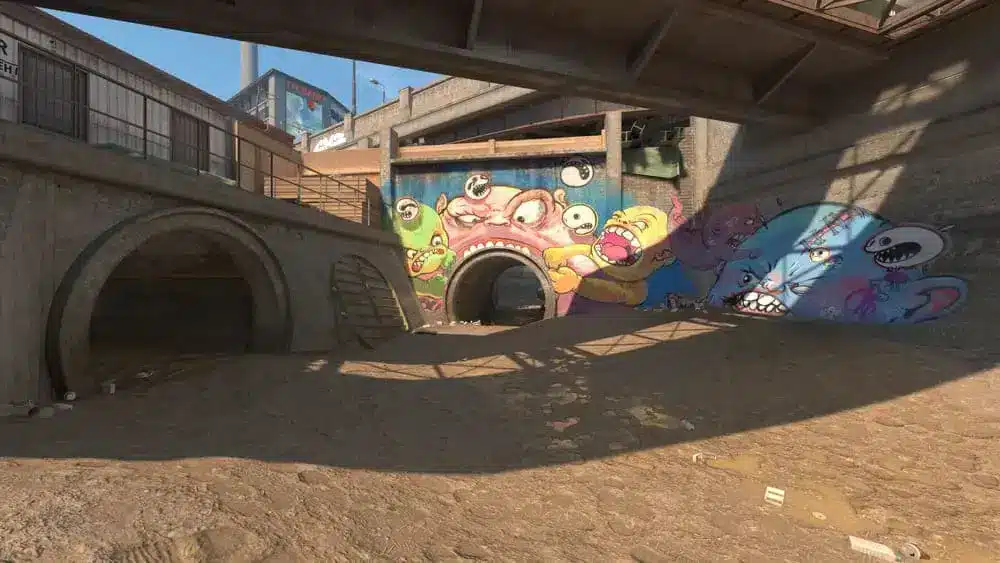
In the world of competitive shooters, CS2 Deathmatch stands as one of the most accessible and effective training environments. When used intentionally—with goals, variation, and tech like ExitLag—it becomes more than just a chaotic brawl. It becomes your personal aim lab.
From mastering headshots to managing stress under fire, Deathmatch condenses key skills into short, high-impact sessions. And with the right mindset, it can transform casual players into consistent competitors.
Pairing Deathmatch with additional aim routines or server tools gives you an edge most players overlook. Train smart, not just hard. Download ExitLag now!
All game images used in this article about cs2 deathmatch belong to Valve Corporation. They are used for informational/educational purposes only and do not imply endorsement or affiliation with the rights holders.
Got questions or want to connect with other players? Join the conversation at the ExitLag Forum!