Exploring the world of Counter Strike 2 workshop maps opens up endless possibilities for training, creativity, and fun beyond the standard game modes. Therefore, understanding how to access and utilize these community-created environments can dramatically enhance your overall gaming experience.
Additionally, ExitLag ensures you maintain optimal connection stability while exploring these custom maps, preventing lag and connection drops that could interrupt your gameplay. Meanwhile, thousands of CS2 players rely on ExitLag’s optimization to ensure smooth performance across all game modes and workshop content.
What are Counter Strike 2 workshop maps? Essentially, they’re custom-made environments created by the community using CS2’s development tools, offering everything from aim training arenas to creative game modes and reimagined classic maps. Thus, they represent the community’s innovation and passion for expanding the game’s possibilities.
In this comprehensive guide, you’ll discover the best workshop maps available, learn how to download and install them, and understand how to maximize your experience. For this reason, continue reading to unlock the full potential of CS2’s custom content ecosystem.
Counter Strike 2 Workshop Maps: Understanding the Community Hub
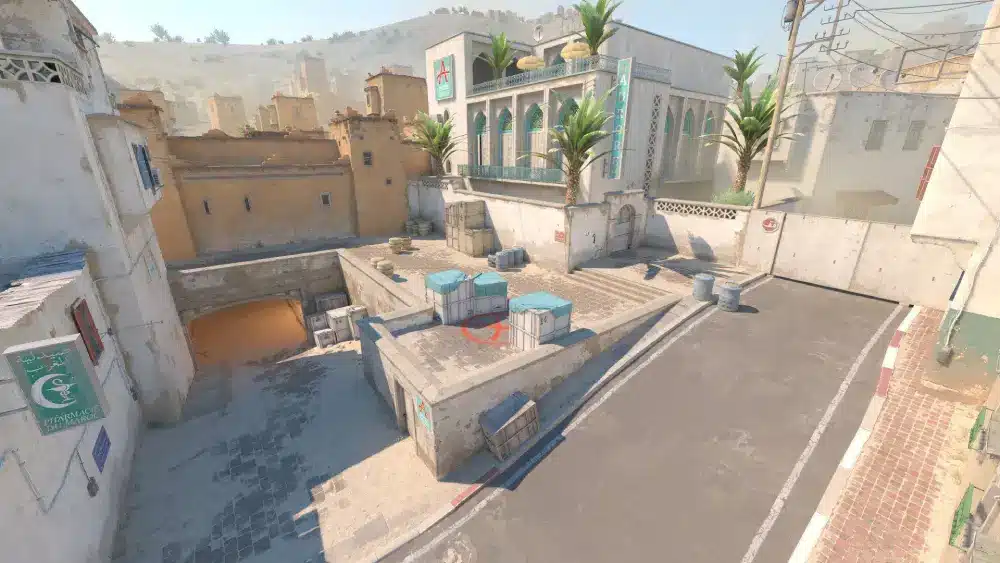
What Makes Workshop Maps Essential for CS2 Players
Workshop maps provide unique training opportunities and entertainment that official maps simply cannot match. However, many players underestimate how much these custom environments can improve their skills and game knowledge.
When you engage with Counter Strike 2 workshop maps, you’re accessing creativity from talented community designers worldwide. Therefore, you’ll find specialized training scenarios, innovative game modes, and visually stunning environments that push the Source 2 engine’s capabilities.
Types of Workshop Maps Available
The CS2 workshop offers diverse map categories catering to different player needs and preferences. Nevertheless, understanding these categories helps you find exactly what you’re looking for more efficiently.
Main workshop map categories include:
- Aim training maps – Perfect for improving accuracy and reflexes
- Movement maps – Including surf, bhop, and parkour challenges
- Competitive remakes – Community versions of classic Counter-Strike maps
- Fun and casual maps – Creative environments for relaxed gameplay
Moreover, new maps are constantly being added by talented creators from around the globe. Thus, checking the Steam Workshop for CS2 regularly ensures you discover fresh content and trending creations.
The Best Counter Strike 2 Workshop Maps You Need to Try
Top Aim Training Workshop Maps
Improving your shooting skills requires dedicated practice on specialized aim training maps. However, choosing the right map for your specific needs makes all the difference in your progression speed.
Essential aim training maps include:
- Aim Botz – The most popular aim trainer with customizable bot settings
- Recoil Master – Perfect for learning spray patterns and recoil control
- Training Center – Comprehensive aim drills and reflex exercises
- Fast Aim Reflex Training – Quick target practice for improved reaction time
For this reason, professional players spend hours on these maps before competitive matches. Additionally, combining aim training with proper CS2 settings optimization maximizes your improvement rate.
Most Creative and Fun Workshop Maps
Beyond training, workshop maps offer incredible entertainment and creative experiences. Nevertheless, these maps showcase the community’s imagination and technical skills in map design.
Popular creative maps feature:
- Dust 2 Reimagined – Classic map with modern visual enhancements
- Mirage Nightfall – Night-time version changing tactical gameplay
- Skyrise – Vertical combat across high-rise buildings
- Frostbite – Snowy environment with unique environmental hazards
Meanwhile, exploring these creative spaces provides a refreshing break from competitive gameplay. Thus, they’re perfect for casual sessions with friends or discovering new tactical approaches.
How to Download and Install Counter Strike 2 Workshop Maps
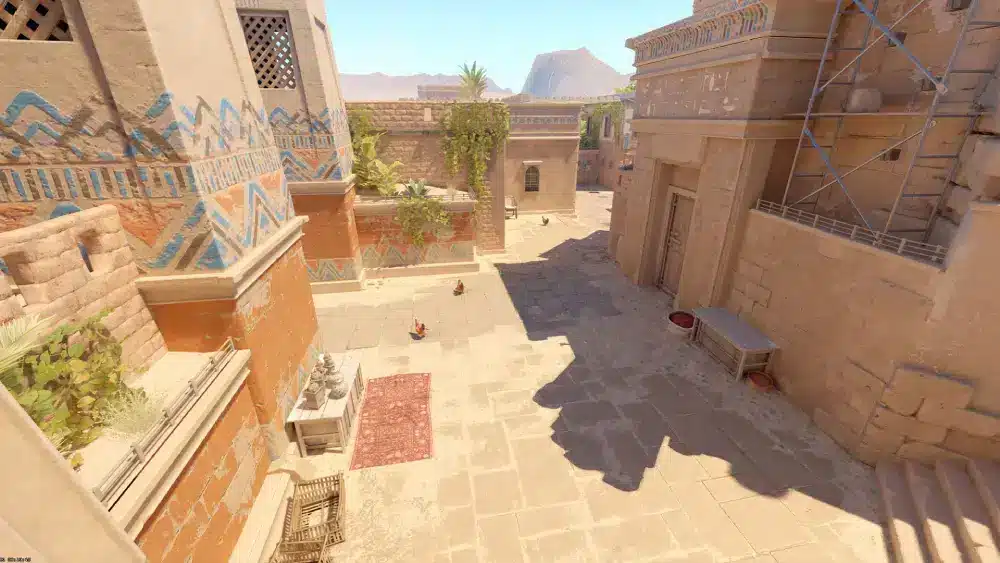
Step-by-Step Download Process Through Steam
Accessing workshop maps through Steam is straightforward once you understand the proper navigation. However, following each step carefully ensures you don’t miss any important details.
Complete download instructions:
- Launch Steam and navigate to your library
- Find Counter-Strike 2 in your games list
- Click on the game but don’t launch it yet
- Look for the “Workshop” button below the “Play” button
- Browse or search for specific maps you want
- Click the “Subscribe” button on any map’s page
- Wait for automatic download to complete
For this reason, Steam handles all file management automatically without manual folder navigation. Additionally, subscribed maps update automatically when creators publish improvements or fixes.
Loading Workshop Maps in Counter-Strike 2
After downloading maps, accessing them in-game requires knowing where to look in the menu system. Nevertheless, the process becomes second nature once you’ve done it a few times.
In-game loading steps:
- Launch Counter-Strike 2 from Steam
- Click “Play” from the main menu
- Select “Workshop Maps” from available options
- Browse your subscribed maps list
- Click on any map to load it
Moreover, you can create private lobbies to play workshop maps with friends seamlessly. Thus, the social aspect of exploring custom content together enhances the overall experience significantly.
Will CS:GO Workshop Maps Work in Counter Strike 2 Workshop Maps?
Understanding Engine Compatibility Issues
Many players wonder about backwards compatibility between CS:GO and CS2 workshop content. However, the transition from Source engine to Source 2 creates significant technical challenges.
CS:GO maps require conversion because Counter Strike 2 workshop maps use different file formats and rendering capabilities. Therefore, creators must manually port their older maps using new development tools and updated assets.
The Conversion Process for Legacy Maps
Bringing classic workshop maps to CS2 involves substantial technical work from dedicated community members. Nevertheless, many popular maps have already been successfully converted and updated.
Key conversion requirements include:
- Recompiling map geometry for Source 2 engine
- Updating textures and lighting systems
- Adjusting physics interactions and mechanics
- Testing for bugs and performance issues
For this reason, checking if updated CS2 versions exist before trying to load old CS:GO maps saves frustration. Additionally, the community continues working hard to bring beloved classic workshop content forward.
How to Play Counter Strike 2 Workshop Maps With Friends
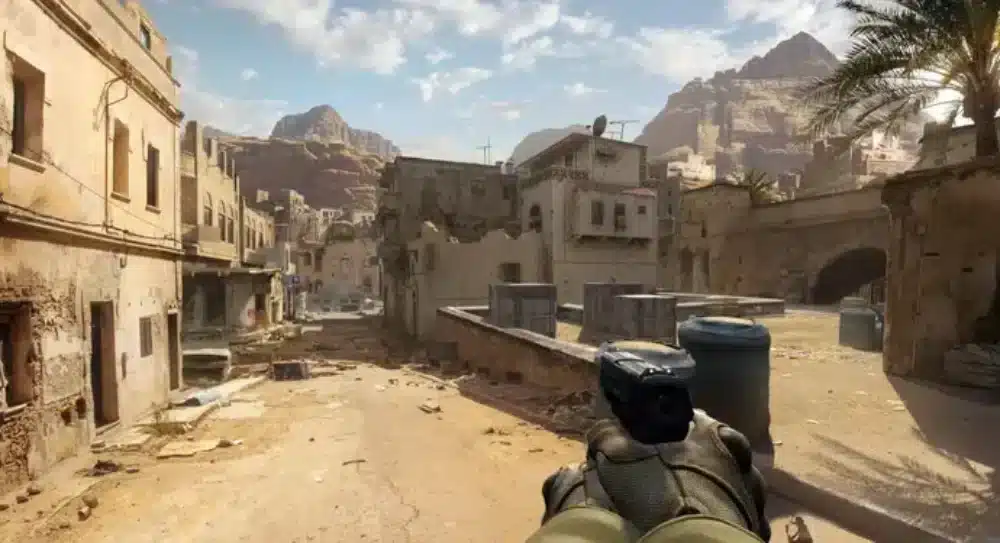
Setting Up a Private Lobby for Custom Maps
Playing workshop maps with friends creates memorable gaming sessions and enhances the overall experience. Therefore, understanding how to properly configure private lobbies ensures everyone can join smoothly.
Before starting, ensure all participants have subscribed to the same Counter Strike 2 workshop maps through Steam Workshop. However, if someone is missing a map, they can quickly subscribe and download it.
Complete Lobby Setup Instructions
Creating and managing a private lobby requires following specific steps in the correct order. Nevertheless, the process becomes quick and easy once you’ve practiced it.
Follow these essential steps:
- Launch Counter-Strike 2 from your Steam library
- Select “Play” from the main menu
- Choose “Practice” or “Custom Game” mode
- Click “Create Lobby” button
- Set privacy to “Friends Need Invites” or “Friends Can Join”
- Click “Invite Friends” and select players from your list
- Navigate to “Workshop Maps” tab
- Select the desired custom map
- Configure game settings and rules
- Start the match when everyone is ready
For this reason, communicating with your group beforehand about which maps to download saves setup time. Additionally, using optimized communication tools improves coordination during matches.
Optimizing Performance on Counter Strike 2 Workshop Maps
Connection Stability and Lag Reduction
Custom maps can be more demanding on your system and connection than official content. However, proper optimization ensures smooth gameplay regardless of map complexity.
Workshop maps often feature detailed environments and complex mechanics that require stable connections. Therefore, using tools like ExitLag to reduce ping becomes crucial for optimal performance.
Hardware and Software Optimization Tips
Maintaining high performance on demanding workshop maps requires both hardware and software considerations. Nevertheless, even mid-range systems can run most custom content smoothly with proper settings.
Key optimization strategies include:
- Update graphics drivers to the latest version
- Close unnecessary background applications
- Lower graphics settings for complex maps
- Enable multicore rendering in game settings
- Use wired internet connection instead of Wi-Fi
- Clear Steam download cache regularly
Moreover, monitoring your FPS and ping while playing helps identify performance bottlenecks. Thus, you can make targeted adjustments to maintain competitive gameplay quality.
FAQ – Counter Strike 2 Workshop Maps Questions
Access workshop maps by opening Steam, selecting Counter-Strike 2, clicking the Workshop button below Play, subscribing to desired maps, and then loading them through the Workshop Maps menu in-game. Therefore, the process is streamlined and user-friendly.
Yes, you can play subscribed workshop maps offline as long as they’re already downloaded to your computer. However, you won’t be able to browse or download new maps without an internet connection.
No, playing on workshop maps has no impact on your competitive ranking or matchmaking rating. Nevertheless, they’re excellent for practicing skills that will help you perform better in ranked matches.
Create custom maps using the Counter-Strike 2 Workshop Tools available as free DLC in Steam. Moreover, Valve provides documentation and tutorials to help beginners learn the map creation process.
Yes, maps distributed through Steam Workshop undergo verification processes and are generally safe. However, always download from reputable creators with good ratings and reviews.
Some complex or poorly optimized workshop maps may cause FPS drops or longer loading times. Therefore, adjusting your graphics settings or choosing better-optimized maps usually resolves these issues.
New Counter Strike 2 workshop maps are uploaded daily by community creators worldwide. Thus, regularly checking the Workshop ensures you discover fresh content and trending creations.
No, all workshop maps are completely free to download and play. However, supporting creators through positive reviews and engagement is always appreciated.
Counter Strike 2 Workshop Maps: Final Thoughts
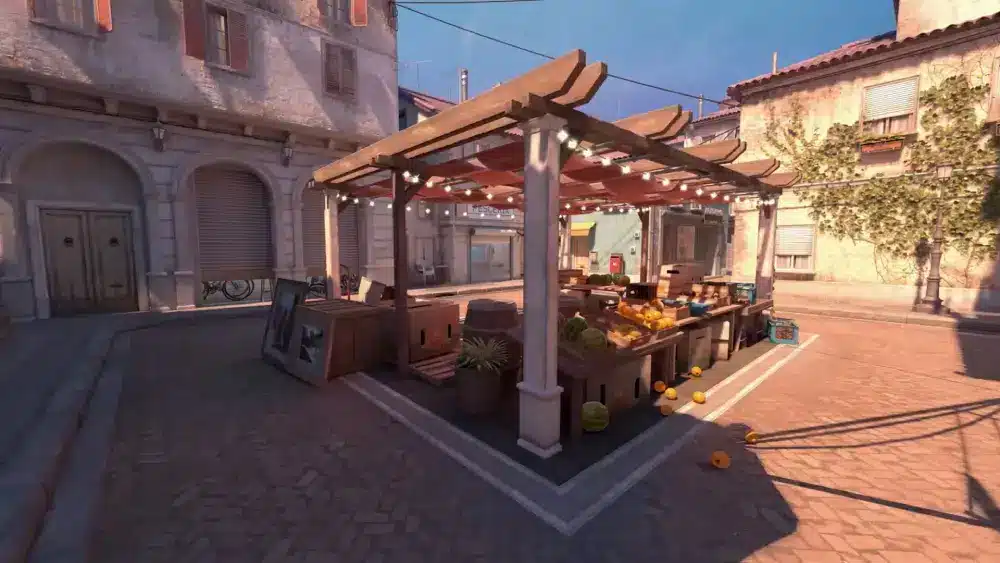
Mastering the world of workshop maps unlocks incredible training opportunities and entertainment beyond standard gameplay. Therefore, taking time to explore custom content significantly enhances your overall Counter-Strike 2 experience.
Understanding how to find, download, and optimize these maps gives you access to the community’s best creations. Moreover, playing on diverse custom environments improves your adaptability and tactical thinking across different scenarios.
Additionally, maintaining optimal connection stability while exploring complex workshop maps is essential for the best experience. ExitLag provides the routing optimization and latency reduction necessary for smooth gameplay on even the most demanding custom maps, ensuring you can fully enjoy what the community has created.
Whether you’re grinding aim training maps, exploring creative environments, or enjoying casual sessions with friends, Counter Strike 2 workshop maps offer endless possibilities for every type of player.
Got questions or want to connect with other players? Join the conversation at the ExitLag Forum!